

How do I add Real Signature to my Jira instance?
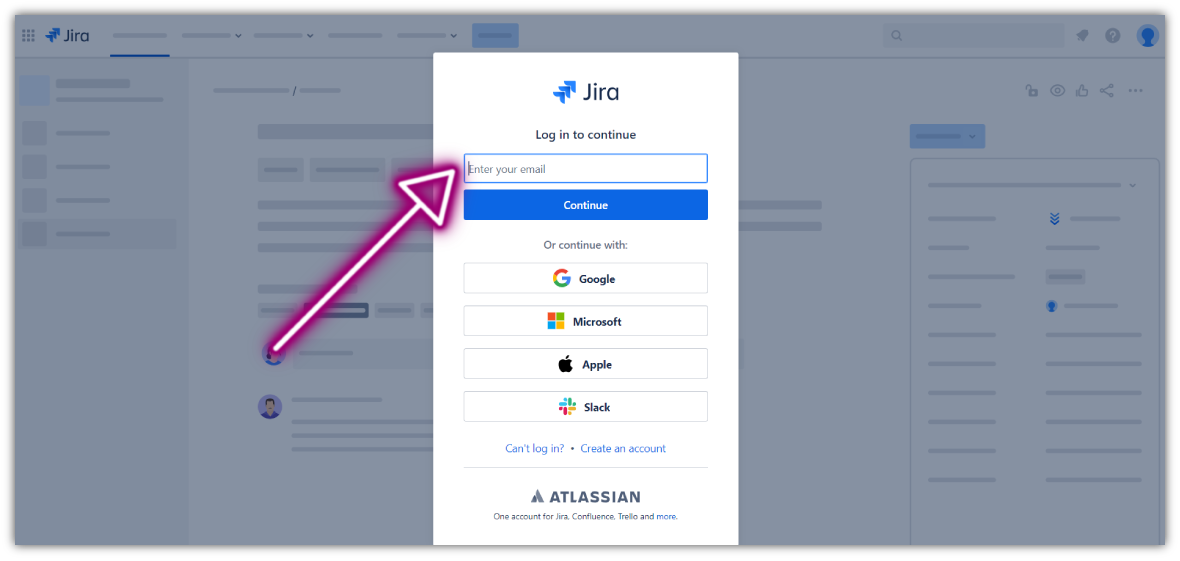
1. Log in to your Jira instance
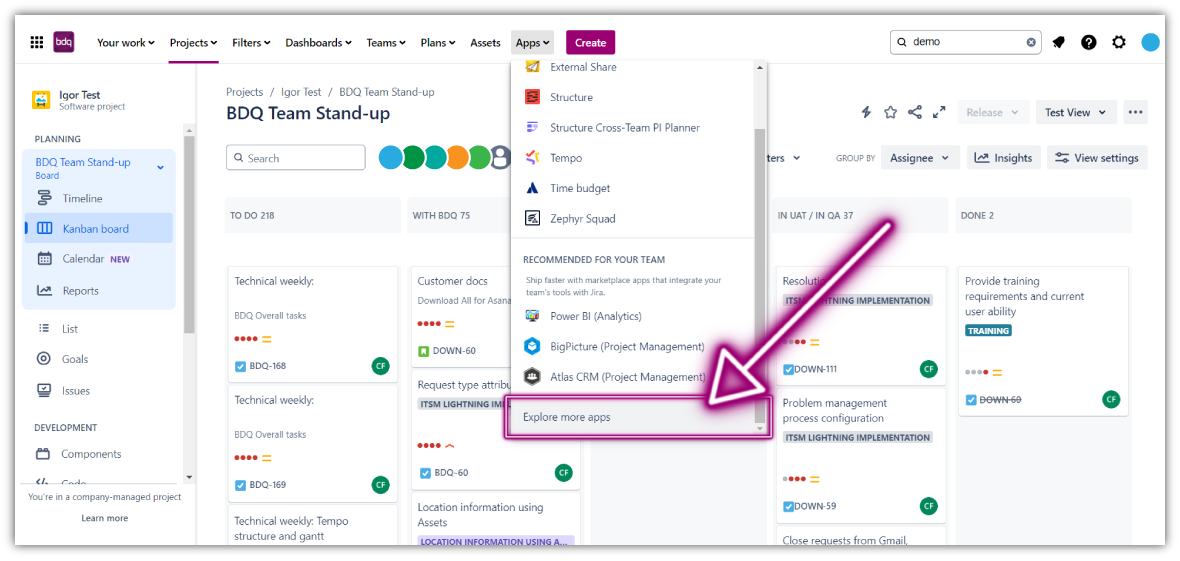
2. Click the Apps dropdown and choose "Explore more apps"
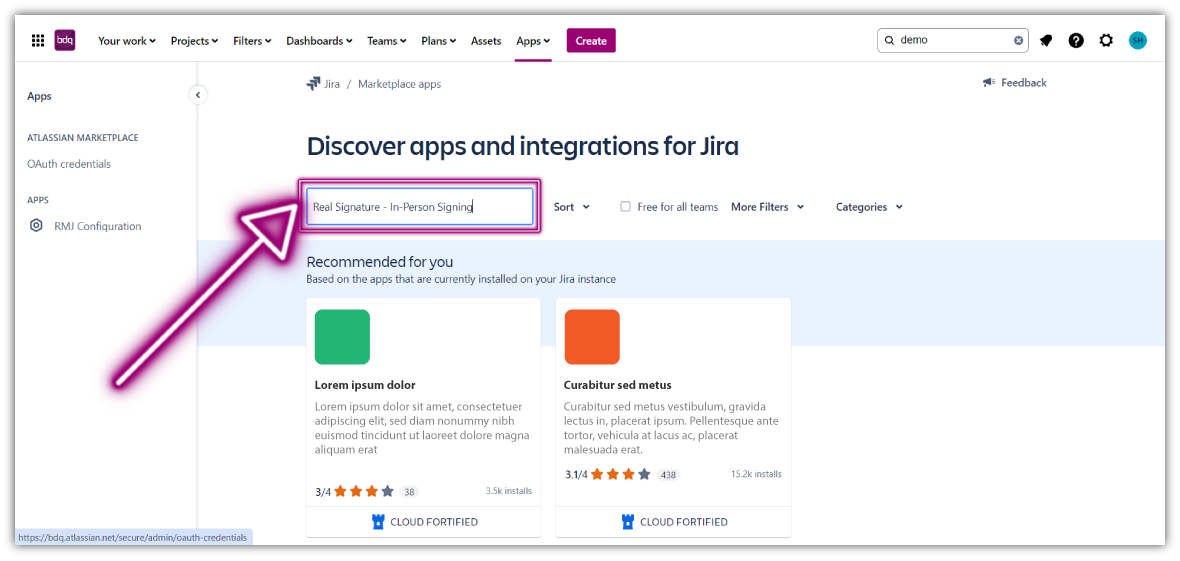
3. Search for Real Signature - In-Person Signing and click the app tile
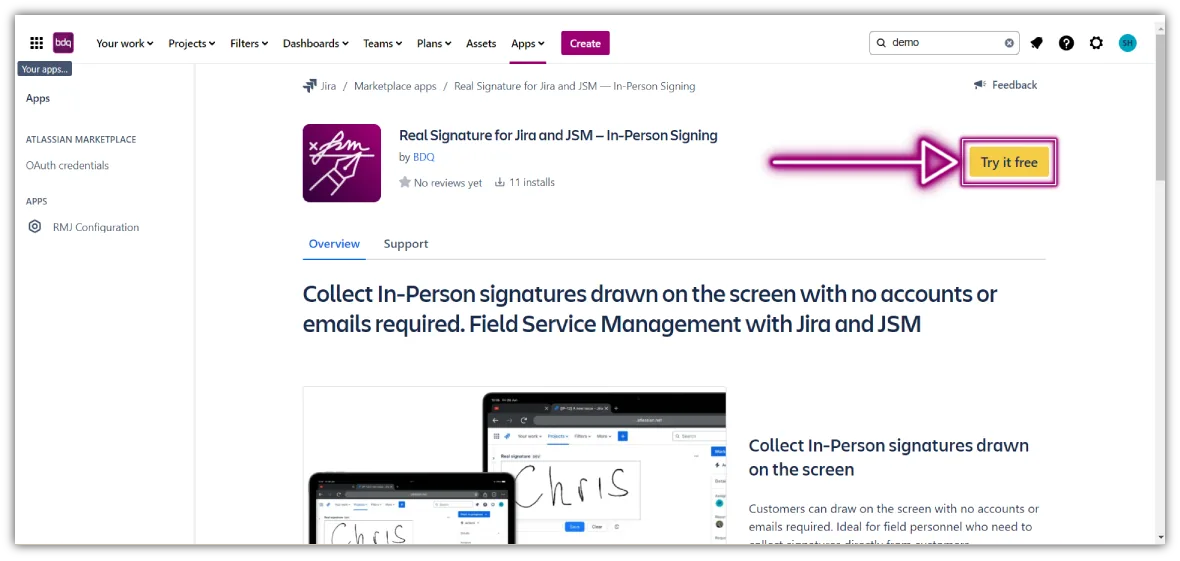
4. Click "Try it free" to start installing the app to Jira
5. If you see the screen below, you're all set!
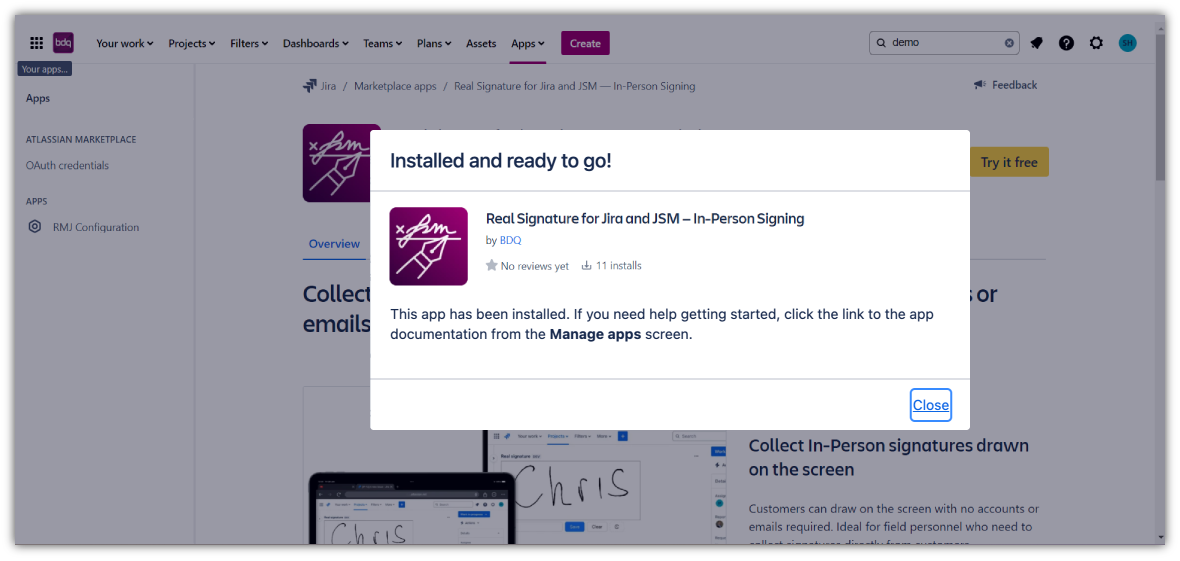
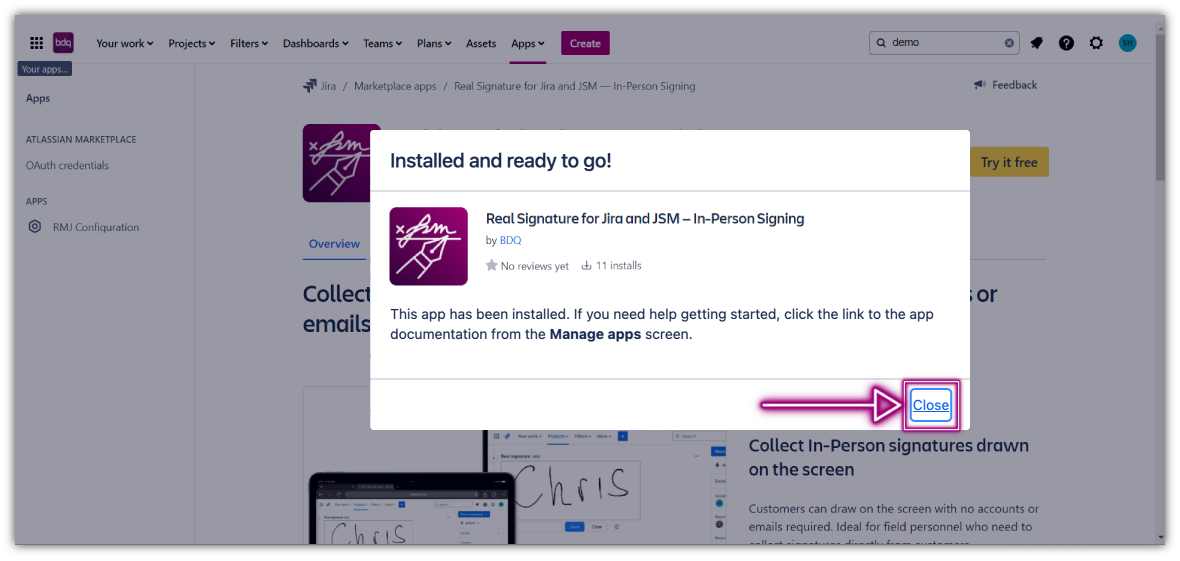
6. Click the Close button to continue work
Up Next: