Field Service Management for Jira and JSM · Docs
Visit's Type Configuration (Admin Panel)
Accessing the Admin PanelClick on Apps in the Jira menuNavigate to Manage AppsIn User Installed Apps, find the Field Service Management for Jira (FSM) appC...
Accessing the Admin Panel
Click on Apps in the Jira menu
Navigate to Manage Apps
In User Installed Apps, find the Field Service Management for Jira (FSM) app
Click Configure to open the Admin Panel
Managing Visit Types
Adding a New Visit Type
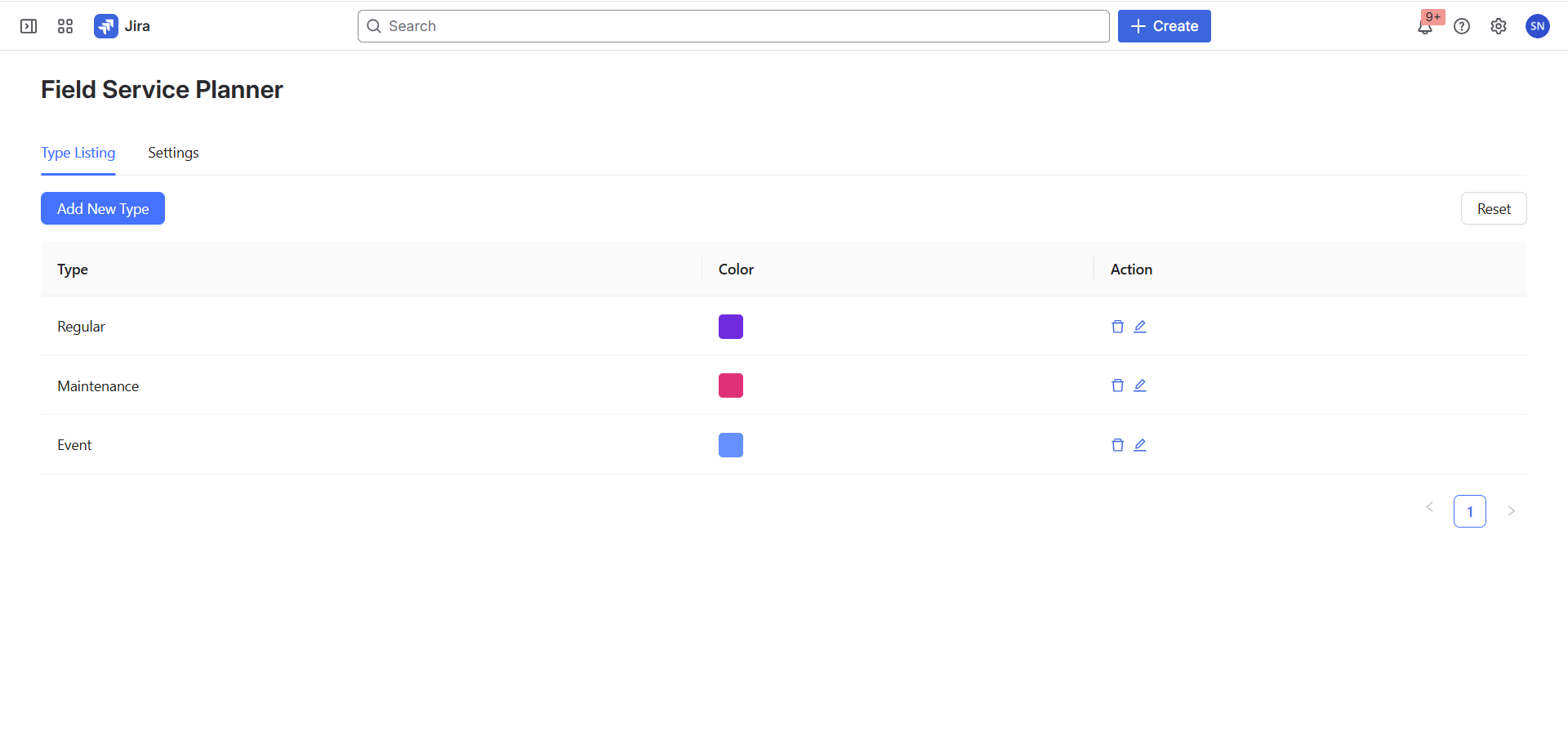
In the Admin Panel, click Add New Type button
A drawer will open with type configuration options
Enter Type Details:
Type Name: Provide a descriptive name for the visit type
Color: Select a color to represent the type
Click Save
Important Notes
Visit types list will be empty by default
No default types are pre-configured
You must manually add visit types
Resetting Visit Types
Use the Reset button to clear all existing visit types
Caution: This action will remove all previously configured types