Attachment Manager · Docs
Installing Attachment Manager
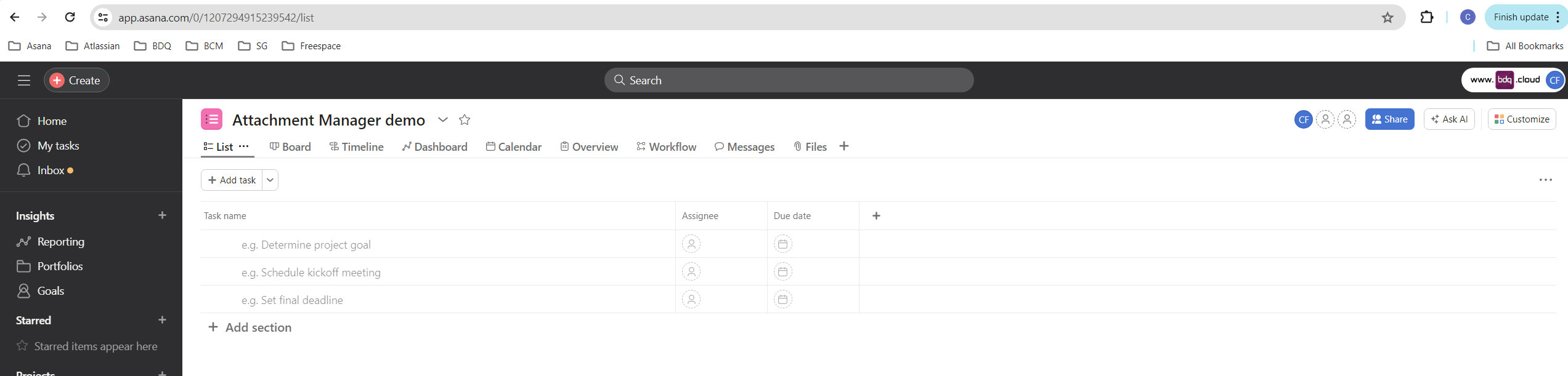
In Asana navigate to a project and select the Customise button in the top right corner
Last updated 13 May 2024
In Asana navigate to a project and select the Customise button in the top right corner
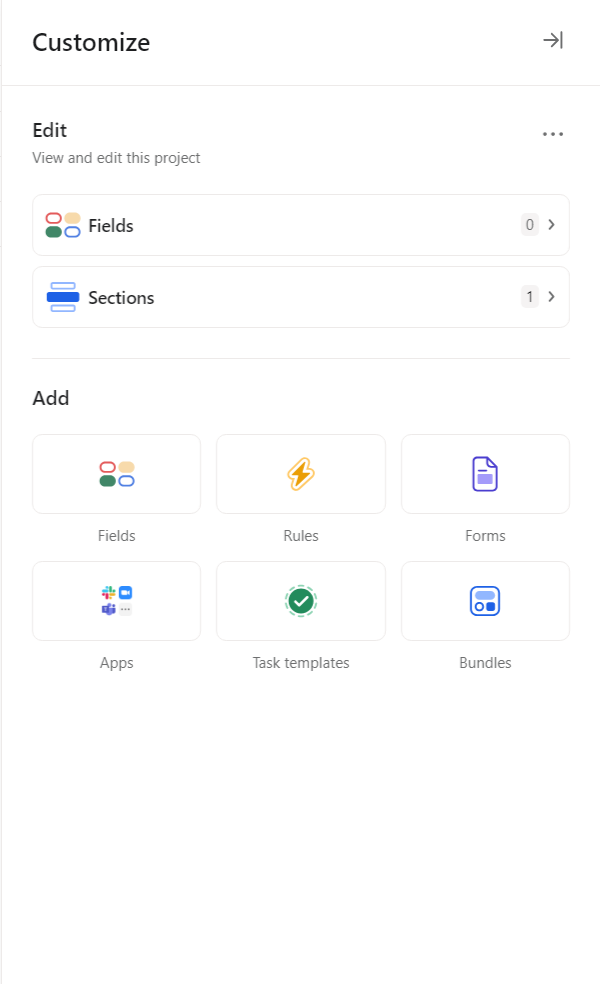
In the Customise menu select Apps in the Add section
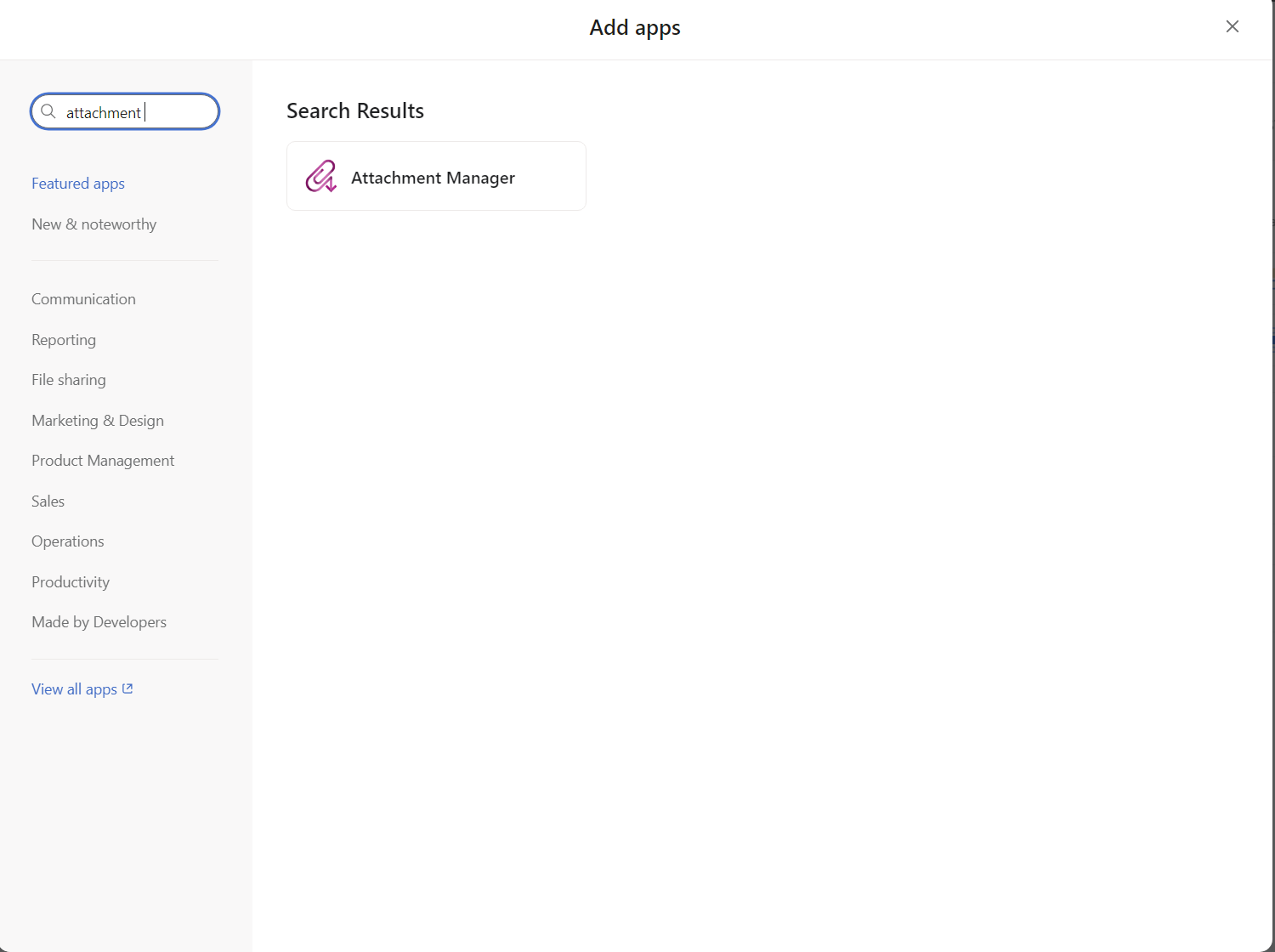
Navigate to the attachment Manager app page using the search bar
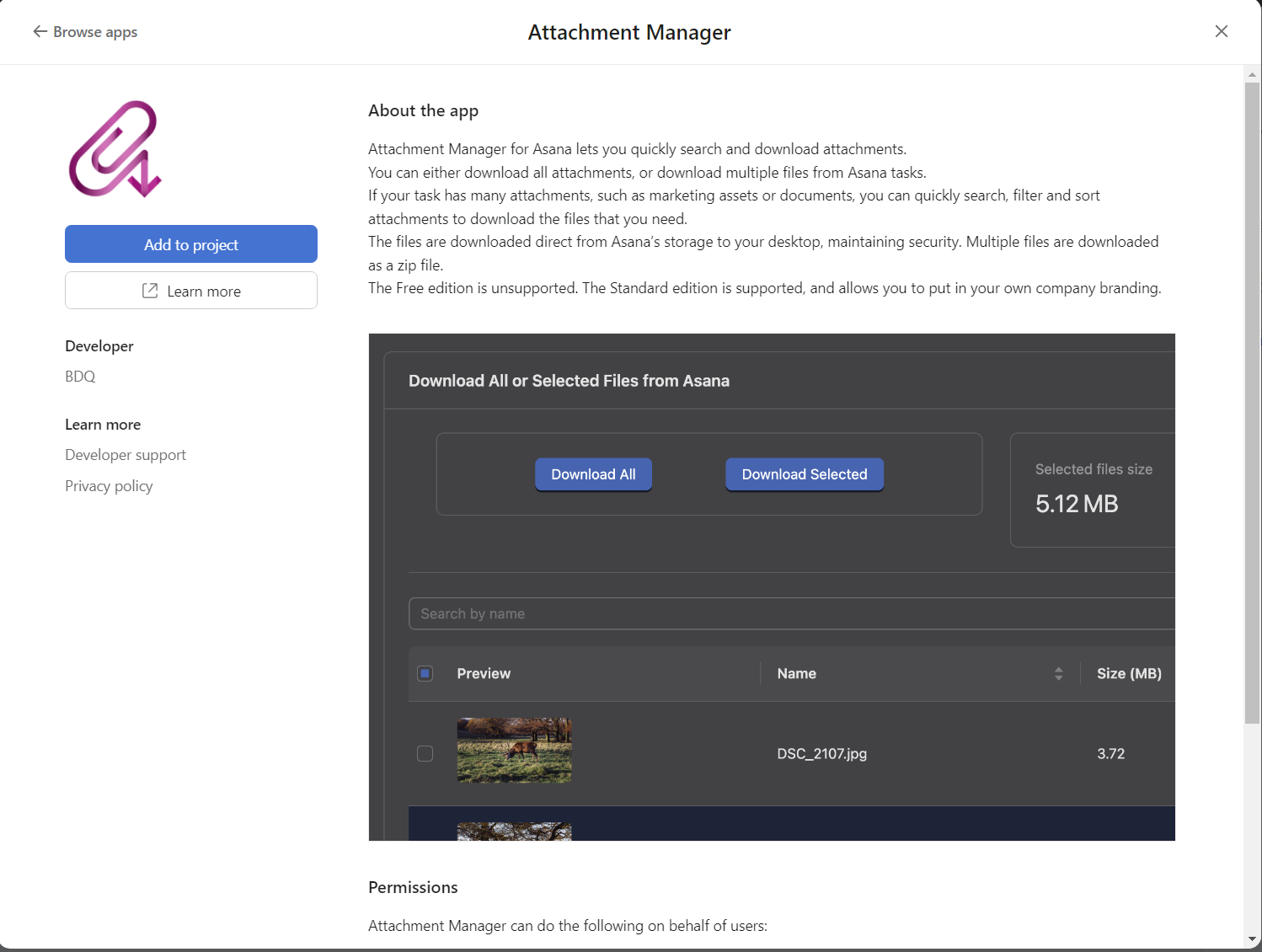
Within the app page select Add to project.