Attachment Manager · Docs
Downloading Attachments
Navigate to the Attachment Manager site using the widget within Asana
Last updated 13 May 2024
Downloading all attachments from a task
Navigate to the Attachment Manager site using the widget within Asana
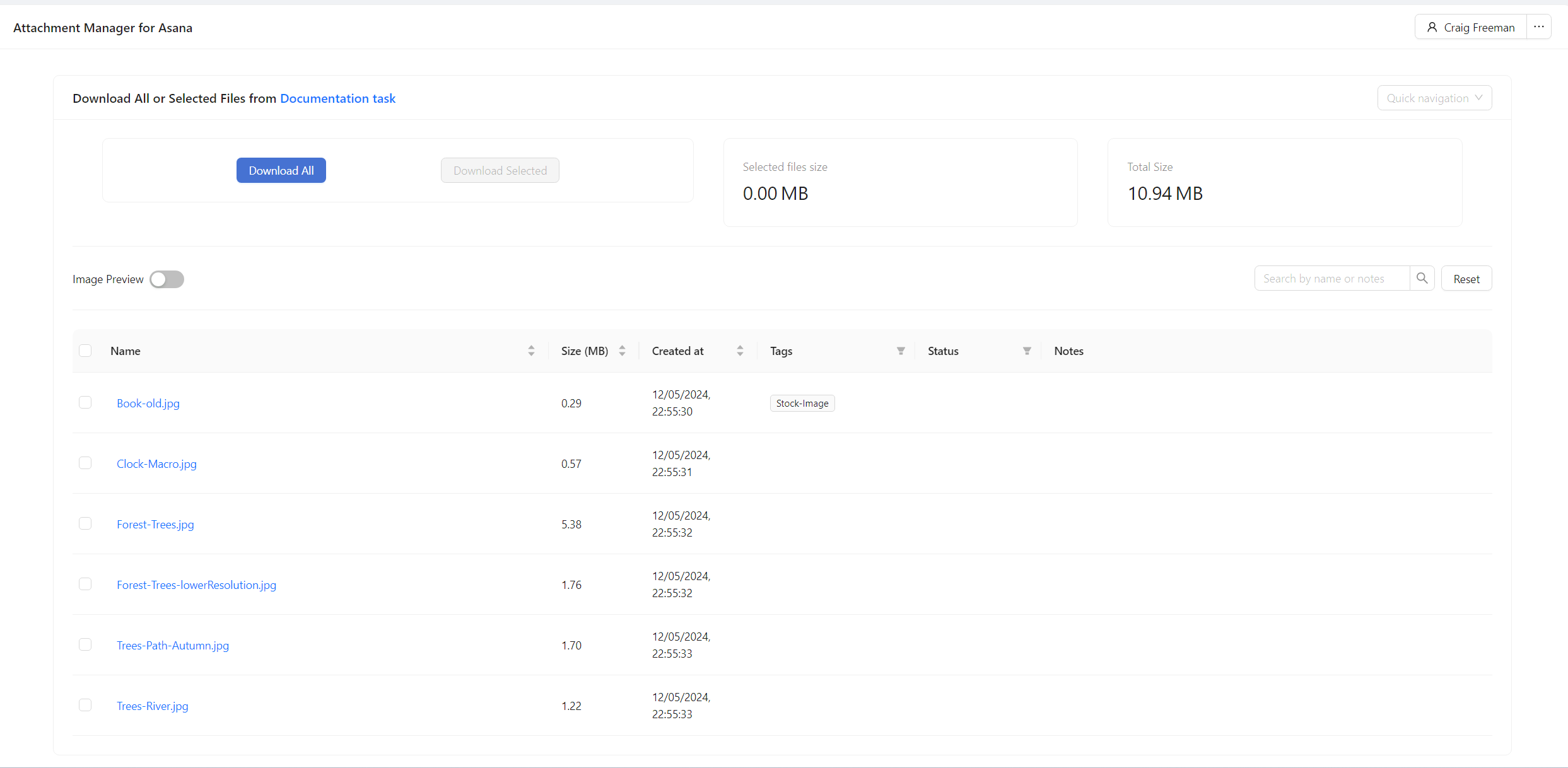
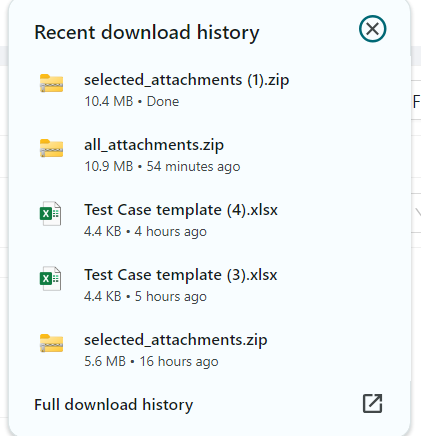
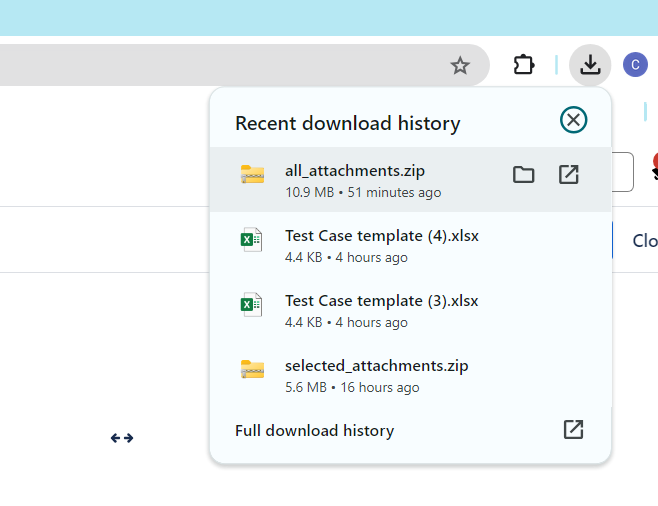
Click Download All, this will trigger a zip file download in your browser
Downloading a selection attachments
Navigate to the Attachment Manager site using the widget within Asana
Using the checkboxes in the left most column select which attachments you would like to download
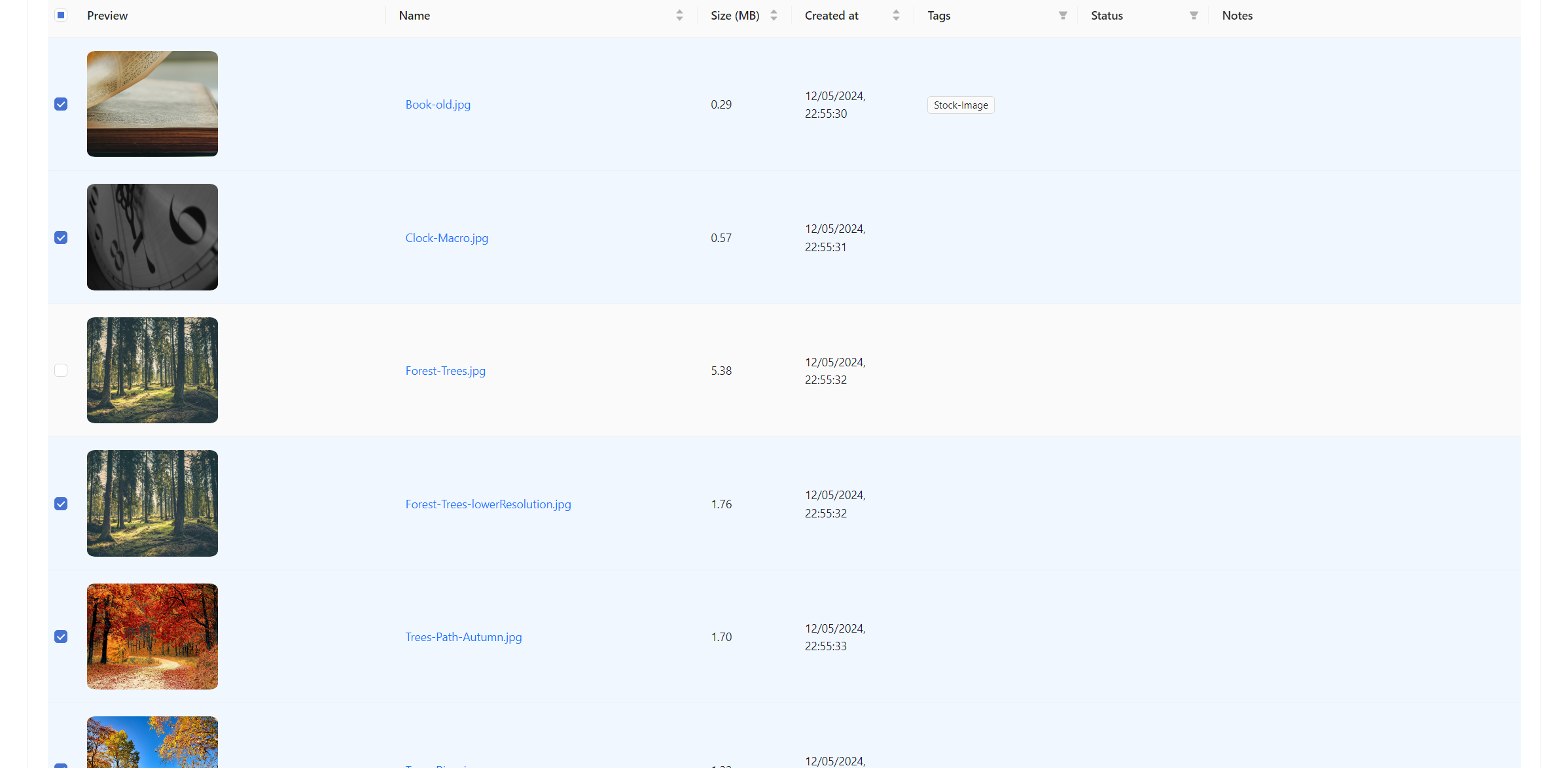
Click download selected, this will trigger a download of a folder containing the selection