

Attachment Manager · Docs
Adding the widget to tasks
Open up the task view while within a project that has Attachment manager added to it
Last updated 13 May 2024
Open up the task view while within a project that has Attachment manager added to it
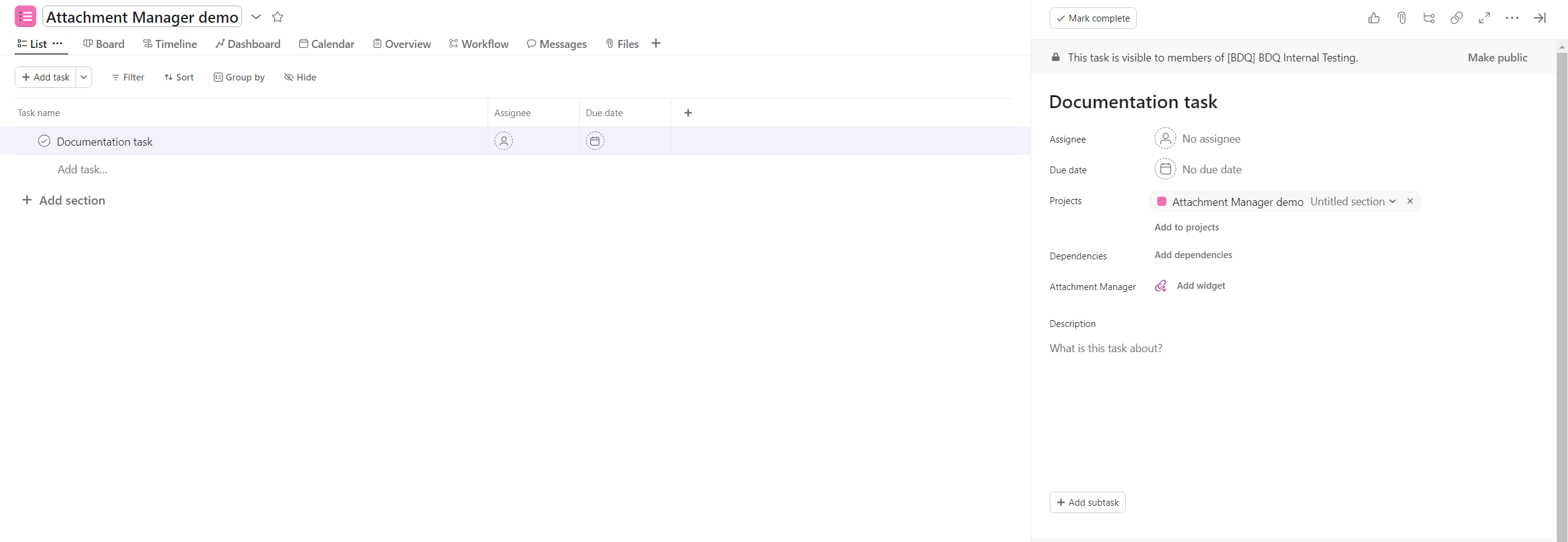
Within the task view click add widget found next to the attachment manager field
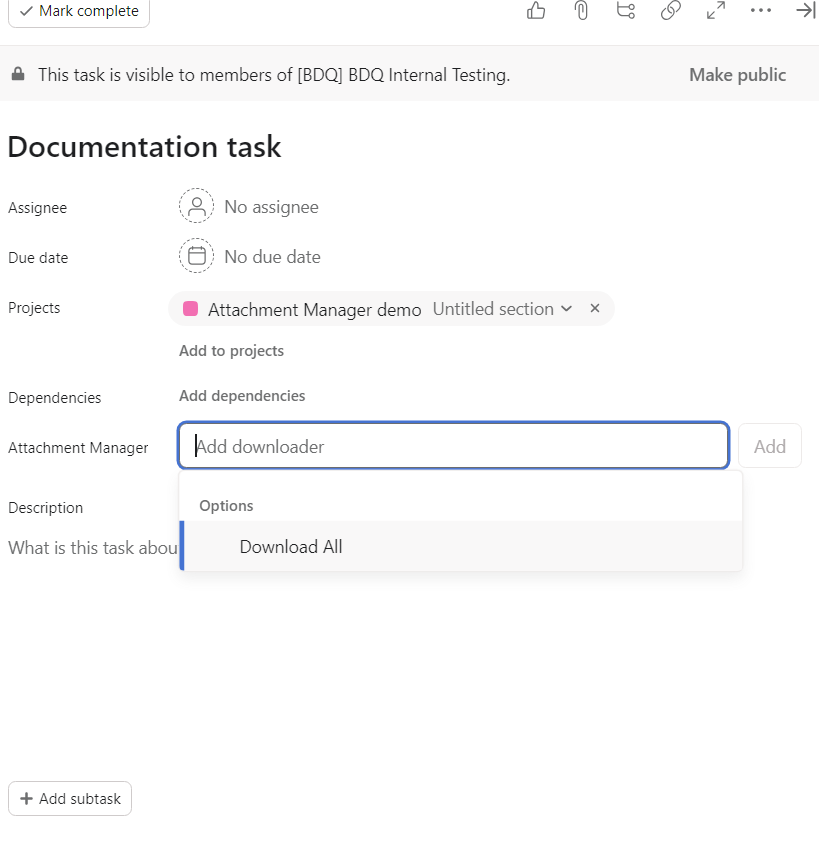
Select Download All and click Add
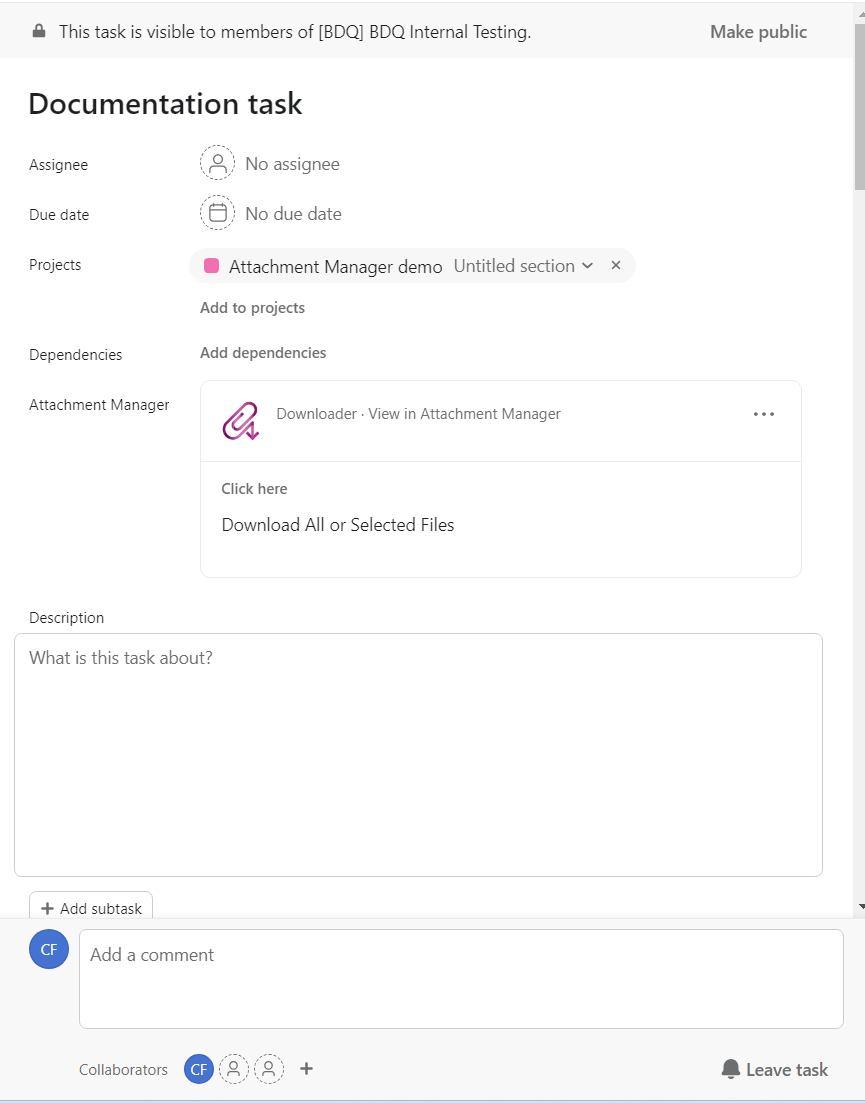
You may need to log in to your Asana account when using attachment manager for the first time
The button for this is located in the top right corner of the attachment manager page