Blog · 19 November 2024
Tab Helper for Jira & Confluence: Chrome Tab Management new from BDQ
Introducing Real Signature for Jira: easily add in-person signatures to Jira issues with cross-device compatibility & detailed signature history
Chris Bland
Blog · 19 November 2024
Introducing Real Signature for Jira: easily add in-person signatures to Jira issues with cross-device compatibility & detailed signature history
Chris Bland
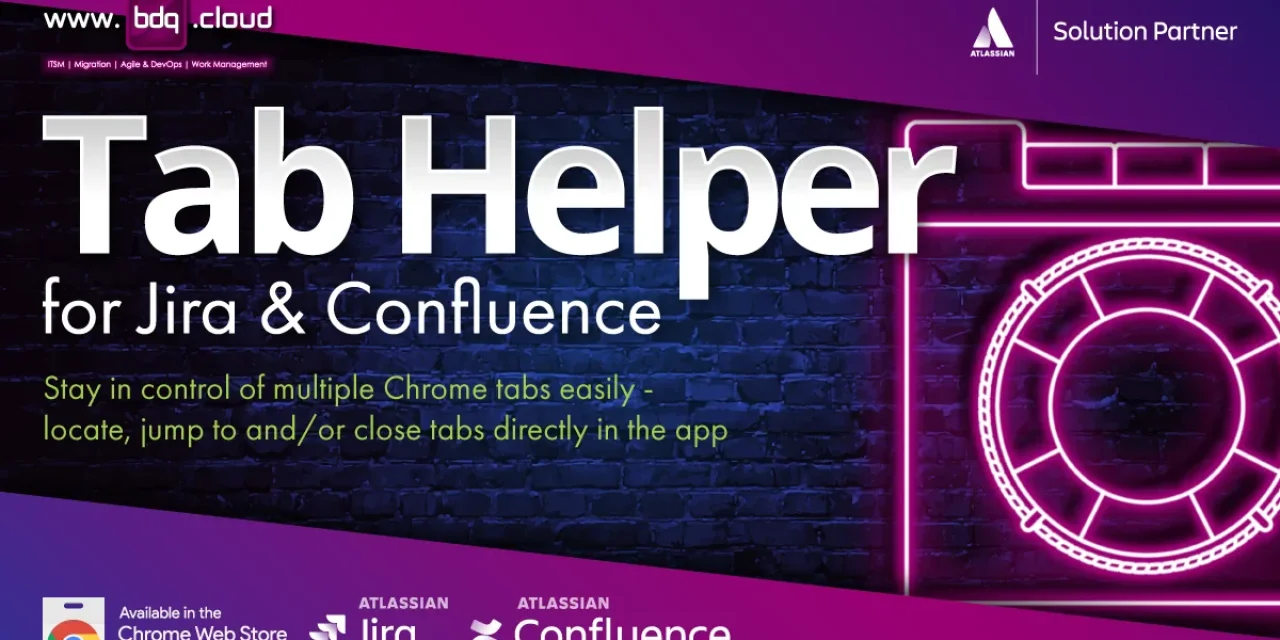
In today’s fast-paced digital world, effective workflow tools are essential, especially for teams using Atlassian’s Jira and Confluence. Switching between tasks, projects, and documentation can quickly lead to a chaotic browser window with endless tabs open.
Managing numerous browser tabs can be challenging, not to mention the strain that having multiple unneeded tabs open can have on your computer's system memory. Tab Helper, BDQ’s new app for Google Chrome, offers a streamlined solution for managing Jira and Confluence tabs, enhancing efficiency and organisation.

Managing multiple tabs is crucial for productivity. Research indicates that switching between numerous open tabs can hinder workflows and lead to “tab fatigue.” Tab Helper addresses these issues, allowing users to minimise time spent searching for tabs and focus on tasks, significantly reducing cognitive load.
One-Click Tab Management: Jump to and/or close multiple tabs within the app, keeping your browser uncluttered.
Streamlined Navigation: Quickly access the tabs you need without getting lost, minimising distractions. With Tab Helper, the standard Jira tab icon is replaced by the icon associated with the task type - epic, task, sub-task, bug, etc.
Resource Optimisation: Close unnecessary tabs to free up system memory, ensuring your computer remains responsive.
Device Compatibility: Designed for Google Chrome, it integrates seamlessly with desktop and laptop devices. You can use the cursor or keyboard shortcuts to open and navigate through the app.
User-Friendly Interface: An intuitive interface makes it easy for users of all experience levels to manage tabs efficiently - the app icon is colour coded depending on the type of tab you're on - blue for Atlassian tabs, red for production tabs and grey for everything else.
Customizable Settings: Protect your production tabs so that you don’t accidentally close them and possibly cause issues for your clients.
For Jira and Confluence power users, Tab Helper simplifies tab management, allowing them to focus on task completion. It enables Jira users to manage development tasks and reports efficiently, while Confluence users can keep track of relevant documentation without clutter.
Enhancing Team Collaboration
Tab Helper promotes organisation among teams, reducing time lost in switching tasks. It ensures that all team members can easily access shared Jira boards or Confluence pages, keeping workflows synchronized.
Benefits for Remote and Hybrid Work
In remote or hybrid setups, Tab Helper helps keep Jira and Confluence tabs organized across devices, enhancing productivity and reducing miscommunication.
For anyone who relies on Jira and Confluence for daily work, Tab Helper is an essential tool. With its streamlined design, powerful tab management features, and visual enhancements, the app brings organisation, efficiency, and ease to tab management. By reducing the clutter of open tabs, Tab Helper empowers you to focus on the tasks that matter, enhancing productivity and making your work in Jira and Confluence more enjoyable.
Discover the benefits of Tab Helper today by visiting BDQ’s Tab Helper page and take the first step toward a more organised and productive digital workspace. Whether you’re managing complex projects in Jira or collaborating on documentation in Confluence, Tab Helper will help you stay focused, organised, and efficient.
Book a 30-min consult
Tell us roughly what you’re facing. We’ll come back within one business day with thoughts, references, and a sense of whether we’re a good fit.
Keep reading
Plan a ServiceNow migration to Jira Service Management or HaloITSM with a realistic, phase-by-phase timeline, from disco
Read article →The licence price is only part of the story. Learn how to assess the true lifecycle cost of an ITSM platform, from prici
Read article →Cherwell end of life is 31 December 2026. Learn what happens next, compare Cherwell alternatives and plan a fast, low-ri
Read article →We use cookies to keep the site working and to power features like our live chat. Analytics are cookieless. See our privacy policy.