

Real Signature for JSM and Jira · Docs
How to see signature history
To view the signing history your Jira issue or JSM request:
Last updated 9 July 2025
To view the signing history your Jira issue or JSM request:
Open the issue you want to see history of.
Click on the Real Signature icon in the issue panel (if app is hidden)
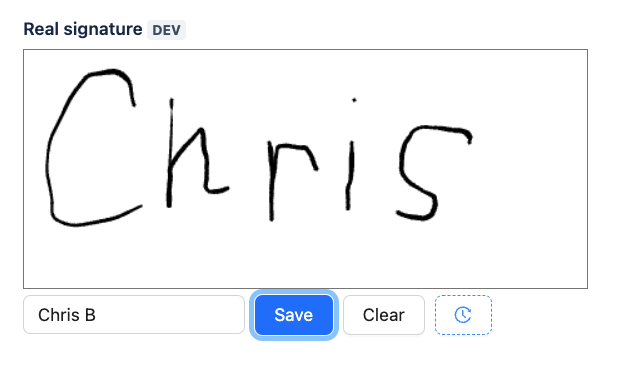
A app panel will appear, allowing you to add new signature or see signing history.
Click on history button (clock icon)
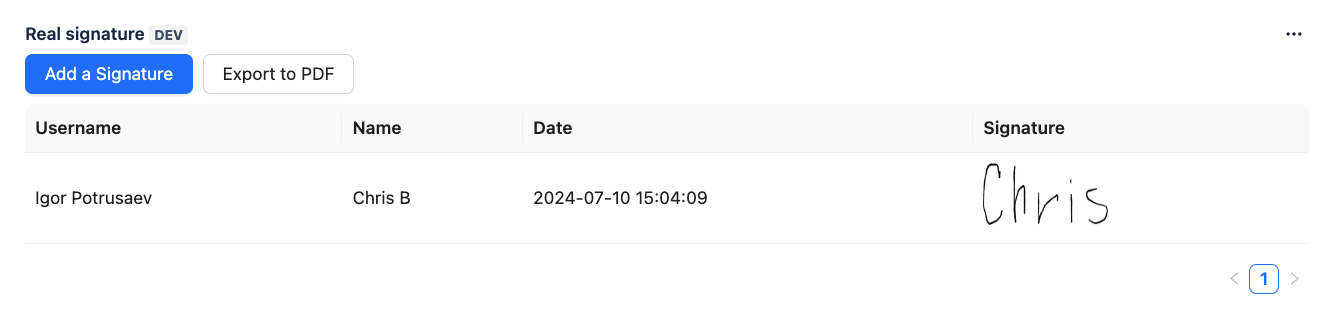
5. You will see a table with a user name, signing person name, signature and the timestamp.
Additional Note: Exporting Signing History
To download a record of the signing history for the issue:
Click the Export to PDF button located in the Real Signature app panel.
This will generate and download a PDF containing the complete list of signatures, along with their details, additional information and timestamps.