

Real Signature for JSM and Jira · Docs
How to add signature
To add a signature to your Jira issue or JSM request:
Last updated 10 July 2024
To add a signature to your Jira issue or JSM request:
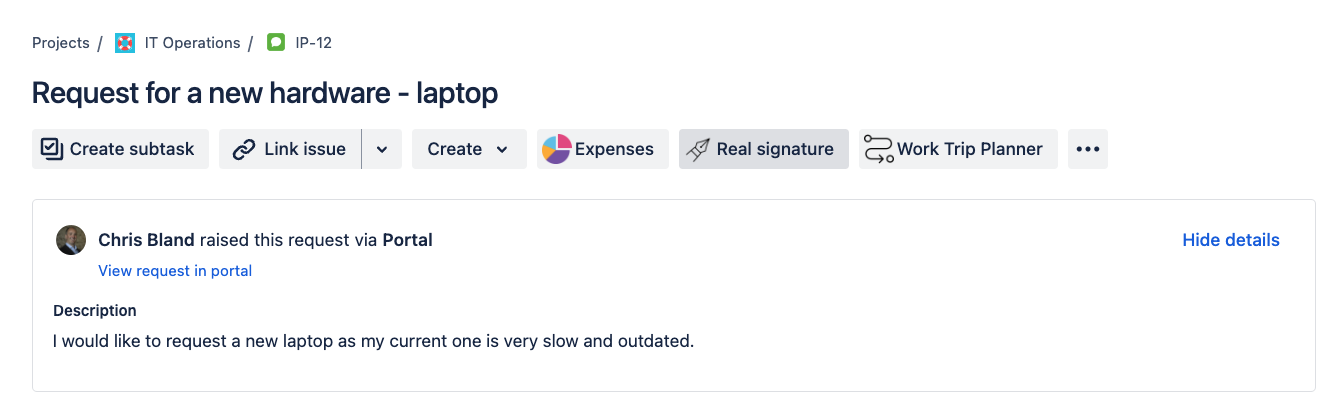
Open the issue you want to sign.
Click on the Real Signature icon in the issue panel.
A signing panel will appear, allowing you to draw using your mouse on a computer or your finger/stylus on a mobile phone or tablet.
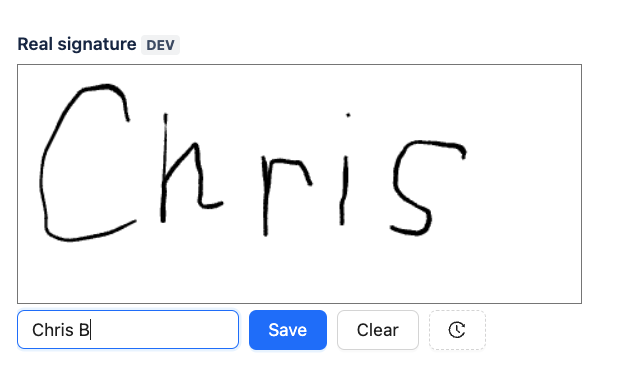
Click Save to add signature
The Real Signature will save the current user name, the name of the signing person (optional), the signature, and the timestamp.