

Real Signature for Confluence · Docs
How to add signature
To add a signature to your Confluence page:
Last updated 8 August 2024
To add a signature to your Confluence page:
Open the page you want to sign.
Click on + Insert elements button and find Real Signature for Confluence
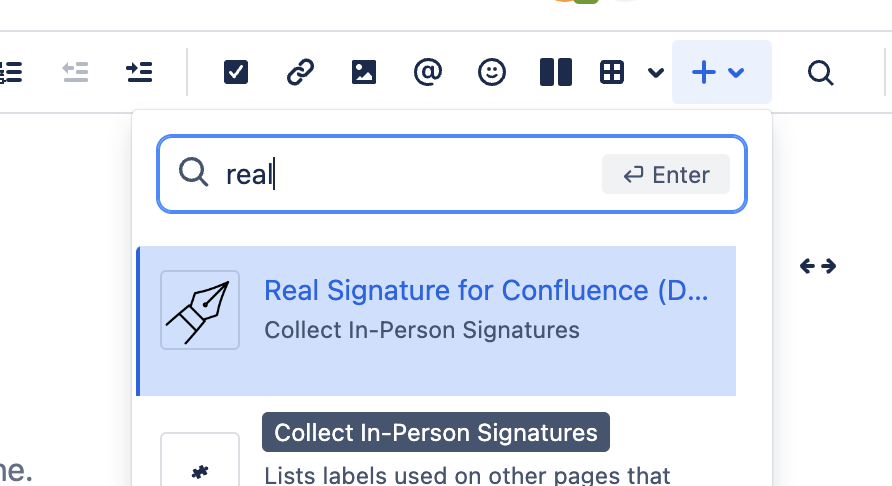
Save Confuence page
A signing panel will appear, allowing you to draw using your mouse on a computer or your finger/stylus on a mobile phone or tablet.

Click Save to add signature
The Real Signature for Confluence will save the current user name, the name of the signing person (optional), the signature, and the timestamp.